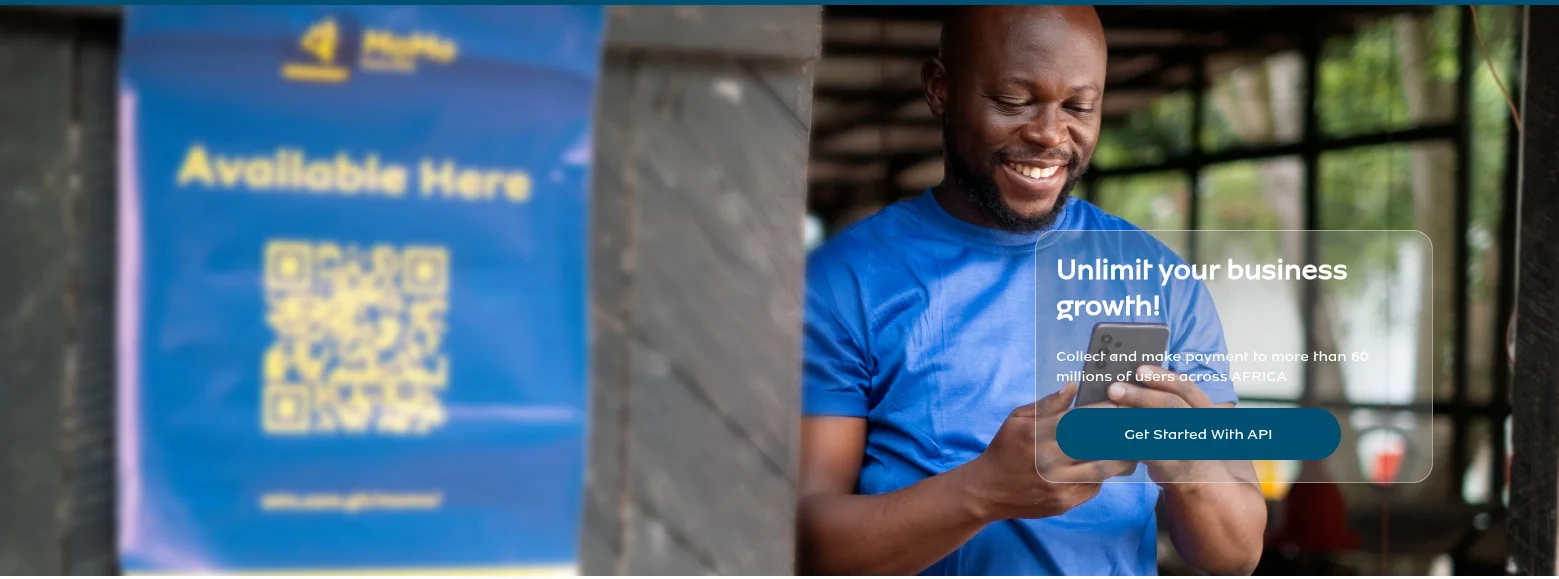
If you are building a web application or SaaS product in Uganda, accepting payments via MTN Mobile Money is not optional — it is essential. MTN MoMo dominates mobile payments in Uganda with millions of active wallets. This guide walks you through integrating the MTN MoMo Collection API into a Laravel application from scratch, using the sandbox environment first, then going live.
I have integrated MoMo into multiple Laravel projects for clients in Kampala and across Uganda, and this guide covers every mistake I made so you do not have to repeat them.
What You Will Build
By the end of this guide, your Laravel app will be able to:
- Send a payment request to a customer's MTN mobile number
- Receive a callback webhook when the payment is confirmed or fails
- Poll the transaction status manually as a fallback
- Handle all error states gracefully
Prerequisites
- Laravel 10 or 11 (this guide uses Laravel 11)
- PHP 8.2+
- Composer installed
- An MTN MoMo Developer account at momodeveloper.mtn.com
- A publicly accessible callback URL (use ngrok for local development)
Step 1: Register on MTN MoMo Developer Portal
Go to momodeveloper.mtn.com and create an account. Once logged in, subscribe to the Collection product under your sandbox environment. You will receive a Primary Key (also called Subscription Key or Ocp-Apim-Subscription-Key). Save this — you will need it for every API call.
Step 2: Create an API User and API Key
The MoMo sandbox does not automatically generate an API User. You must create one manually via the API. Run this in your terminal, replacing YOUR_SUBSCRIPTION_KEY and YOUR_CALLBACK_URL:
curl -X POST \
  "https://sandbox.momodeveloper.mtn.com/v1_0/apiuser" \
  -H "Content-Type: application/json" \
  -H "X-Reference-Id: $(uuidgen)" \
  -H "Ocp-Apim-Subscription-Key: YOUR_SUBSCRIPTION_KEY" \
  -d '{"providerCallbackHost": "YOUR_CALLBACK_URL"}'
Note the UUID you used in X-Reference-Id — that becomes your API User ID. Then generate an API key for that user:
curl -X POST \
  "https://sandbox.momodeveloper.mtn.com/v1_0/apiuser/YOUR_API_USER_ID/apikey" \
  -H "Ocp-Apim-Subscription-Key: YOUR_SUBSCRIPTION_KEY"
The response contains your apiKey. You now have three credentials: Subscription Key, API User ID, and API Key.
Step 3: Add Credentials to .env
Add these to your Laravel .env file:
MOMO_SUBSCRIPTION_KEY=your_subscription_key_here
MOMO_API_USER=your_api_user_id_here
MOMO_API_KEY=your_api_key_here
MOMO_ENVIRONMENT=sandbox
MOMO_CURRENCY=UGX
MOMO_BASE_URL=https://sandbox.momodeveloper.mtn.com
Step 4: Create the MoMo Service Class
Create app/Services/MomoService.php:
<?php

namespace App\Services;

use Illuminate\Support\Facades\Http;
use Illuminate\Support\Str;
use Exception;

class MomoService
{
    protected string $baseUrl;
    protected string $subscriptionKey;
    protected string $apiUser;
    protected string $apiKey;
    protected string $environment;
    protected string $currency;

    public function __construct()
    {
        $this->baseUrl        = config('services.momo.base_url');
        $this->subscriptionKey = config('services.momo.subscription_key');
        $this->apiUser        = config('services.momo.api_user');
        $this->apiKey         = config('services.momo.api_key');
        $this->environment    = config('services.momo.environment', 'sandbox');
        $this->currency       = config('services.momo.currency', 'UGX');
    }

    /**
     * Get an access token for the Collections API.
     */
    public function getAccessToken(): string
    {
        $response = Http::withBasicAuth($this->apiUser, $this->apiKey)
            ->withHeaders([
                'Ocp-Apim-Subscription-Key' => $this->subscriptionKey,
            ])
            ->post($this->baseUrl . '/collection/token/');

        if (!$response->successful()) {
            throw new Exception('MoMo token request failed: ' . $response->body());
        }

        return $response->json('access_token');
    }

    /**
     * Request payment from a mobile number.
     */
    public function requestToPay(
        string $phoneNumber,
        float $amount,
        string $externalId,
        string $payerMessage = 'Payment',
        string $payeeNote = 'Payment received'
    ): string {
        $token       = $this->getAccessToken();
        $referenceId = (string) Str::uuid();

        $response = Http::withToken($token)
            ->withHeaders([
                'X-Reference-Id'            => $referenceId,
                'X-Target-Environment'      => $this->environment,
                'Ocp-Apim-Subscription-Key' => $this->subscriptionKey,
                'X-Callback-Url'            => route('momo.callback'),
            ])
            ->post($this->baseUrl . '/collection/v1_0/requesttopay', [
                'amount'       => (string) $amount,
                'currency'     => $this->currency,
                'externalId'   => $externalId,
                'payer'        => [
                    'partyIdType' => 'MSISDN',
                    'partyId'     => $phoneNumber,
                ],
                'payerMessage' => $payerMessage,
                'payeeNote'    => $payeeNote,
            ]);

        if ($response->status() !== 202) {
            throw new Exception('MoMo payment request failed: ' . $response->body());
        }

        return $referenceId;
    }

    /**
     * Check the status of a payment request.
     */
    public function getTransactionStatus(string $referenceId): array
    {
        $token = $this->getAccessToken();

        $response = Http::withToken($token)
            ->withHeaders([
                'X-Target-Environment'      => $this->environment,
                'Ocp-Apim-Subscription-Key' => $this->subscriptionKey,
            ])
            ->get($this->baseUrl . '/collection/v1_0/requesttopay/' . $referenceId);

        if (!$response->successful()) {
            throw new Exception('MoMo status check failed: ' . $response->body());
        }

        return $response->json();
    }
}
Step 5: Add to config/services.php
'momo' => [
    'base_url'         => env('MOMO_BASE_URL', 'https://sandbox.momodeveloper.mtn.com'),
    'subscription_key' => env('MOMO_SUBSCRIPTION_KEY'),
    'api_user'         => env('MOMO_API_USER'),
    'api_key'          => env('MOMO_API_KEY'),
    'environment'      => env('MOMO_ENVIRONMENT', 'sandbox'),
    'currency'         => env('MOMO_CURRENCY', 'UGX'),
],
Step 6: Create the Payment Controller
<?php

namespace App\Http\Controllers;

use App\Services\MomoService;
use Illuminate\Http\Request;

class MomoController extends Controller
{
    public function __construct(protected MomoService $momo) {}

    public function initiatePayment(Request $request)
    {
        $validated = $request->validate([
            'phone'  => 'required|string|regex:/^256[0-9]{9}$/',
            'amount' => 'required|numeric|min:500',
        ]);

        try {
            $referenceId = $this->momo->requestToPay(
                phoneNumber: $validated['phone'],
                amount:      $validated['amount'],
                externalId:  uniqid('TXN_'),
                payerMessage: 'Payment to ' . config('app.name'),
            );

            return response()->json([
                'status'      => 'pending',
                'reference'   => $referenceId,
                'message'     => 'Payment request sent. Ask the customer to approve on their phone.',
            ]);
        } catch (\Exception $e) {
            return response()->json(['status' => 'error', 'message' => $e->getMessage()], 500);
        }
    }

    public function callback(Request $request)
    {
        $payload = $request->all();

        \Log::info('MoMo callback received', $payload);

        return response()->json(['received' => true]);
    }

    public function checkStatus(string $referenceId)
    {
        $status = $this->momo->getTransactionStatus($referenceId);
        return response()->json($status);
    }
}
Step 7: Register Routes
Route::post('/payments/momo/initiate',    [MomoController::class, 'initiatePayment']);
Route::post('/payments/momo/callback',    [MomoController::class, 'callback'])->name('momo.callback');
Route::get('/payments/momo/status/{ref}', [MomoController::class, 'checkStatus']);
Make sure the callback route is excluded from CSRF middleware in bootstrap/app.php:
->withMiddleware(function (Middleware $middleware) {
    $middleware->validateCsrfTokens(except: [
        'payments/momo/callback',
    ]);
})
Going Live
To switch from sandbox to production, update your .env:
MOMO_BASE_URL=https://proxy.momoapi.mtn.com
MOMO_ENVIRONMENT=mtncameroon  # change to your country code, e.g. mtnuganda
Contact MTN Uganda's MoMo API team to get your production credentials and whitelist your server IP for the disbursement API if you need to send money out.
Common Errors in Uganda
- 401 Unauthorized: Your subscription key is wrong or the API user was created with a different key. Regenerate your API key.
- 500 on callback: Ensure your callback URL is publicly accessible. Use ngrok in development:
ngrok http 8000. - FAILED status with reason PAYER_NOT_FOUND: The phone number format is wrong. MTN Uganda numbers must start with
25677or25678, not0. - Currency mismatch: In sandbox, use
EURfor testing amounts. In production, useUGX.
Final Notes
MTN MoMo integration in Laravel is straightforward once you understand the three-credential setup. The most confusing part for most Ugandan developers is that you must create the API User manually in sandbox — it is not auto-generated when you register. Follow the steps above exactly and you will have a working integration in under an hour.
If you are also accepting Airtel Money, the Airtel Money Africa API follows a similar OAuth2 flow and I will cover that in a follow-up guide.
Have questions about this integration? Reach out — I have built this for multiple Ugandan projects and can help you implement it for your specific use case.